
Hand of Luck Registration Process in United Kingdom
Hand of Luck Casino sign up in the United Kingdom takes minutes and gives you fast access to casino games and sports betting. You can sign up by phone number, email, social media, or one-click. After you create an account, you can deposit, place bets, and request withdrawals.
A welcome offer is available: 10 FS +10% for deposits from €20 (x1), 10 FS +10% from €50 (x1), 30 FS +15% from €100 (x1), 75 FS +15% from €200 (x1). Local currency equivalents may apply.
Bonus 75FS +15% from €200
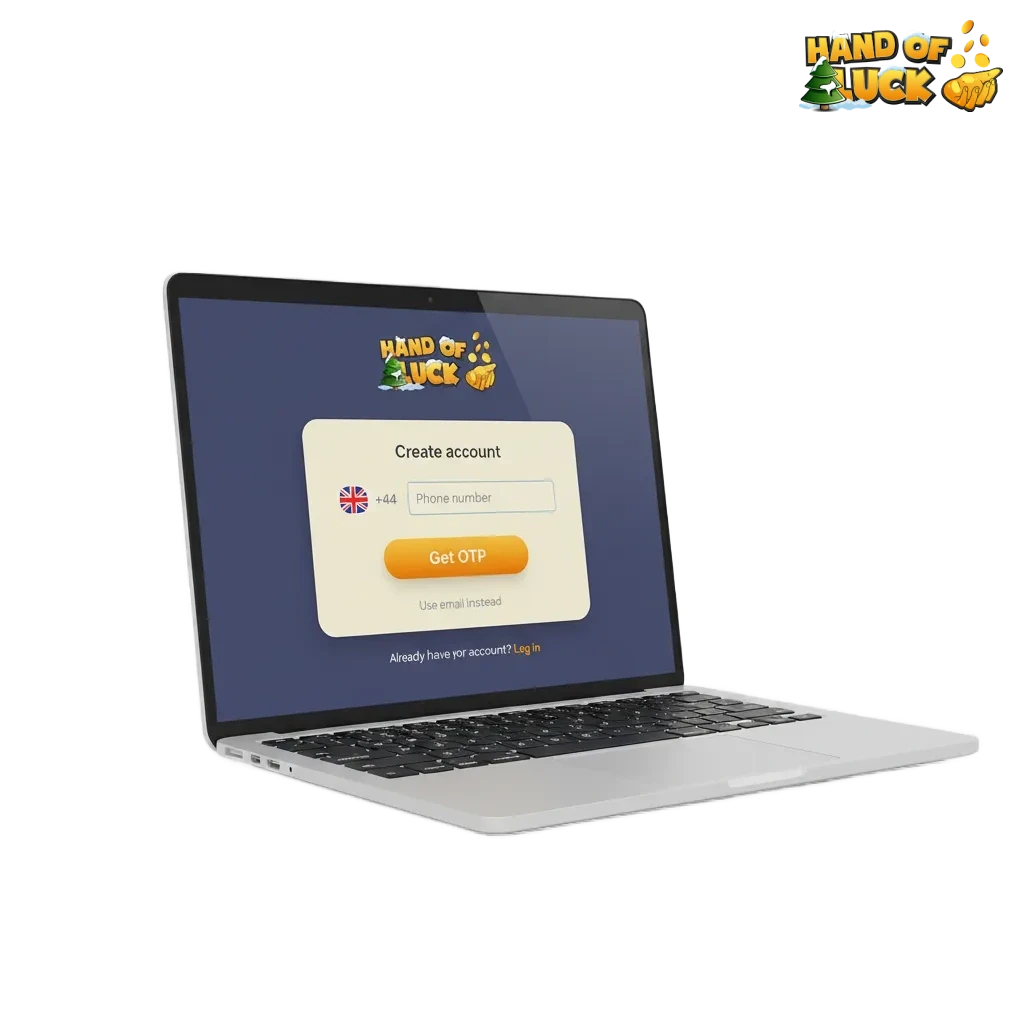
All Available Registration Options on Hand of Luck
You can register online in several ways. Choose the method that suits you.
- By phone number
- By email
- Via social media (Google, Apple, Facebook)
- One-click
By Phone Number
Fast sign up using your mobile number. Good if you prefer SMS codes over email.
- Click Register.
- Choose Phone.
- Enter your mobile number and set a password.
- Enter the SMS code sent to you.
- Accept the terms and confirm your age.
By Email
Use your email to create an account and manage access from any device.
- Click Register.
- Choose Email.
- Enter your email, create a password, and select currency.
- Open the confirmation email and click the link.
- Sign in and complete your profile.
Via Social Media
Use an existing profile to speed up sign up. Your name and email import where available.
- Click Register.
- Choose Google, Apple, or Facebook.
- Approve sharing basic details.
- Set a password for direct site login if offered.
- Confirm age and accept the terms.
One-click
Start a new account in seconds. You can add details later before withdrawing.
- Click Register.
- Choose One-click.
- The system generates a login and password. Save them.
- Set currency and limits.
- Add personal details in your account before your first withdrawal.
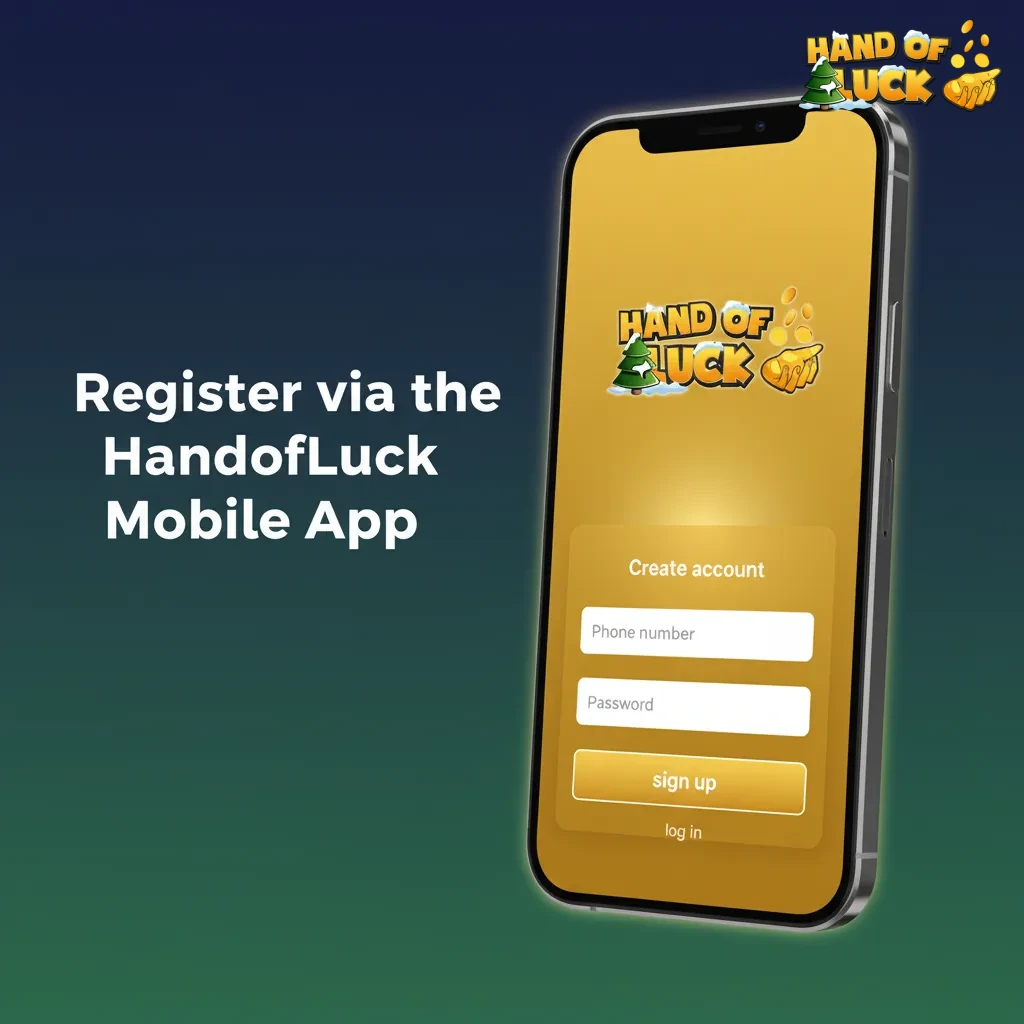
Register via the Hand of Luck Mobile App
Registration in the Hand of Luck app mirrors the site but keeps everything on your phone. You can use phone, email, social login, or one-click inside the app.
- Download and install the app: tap Download, then allow install on your device.
- Open the app: tap Sign Up on the home screen.
- Choose a method: phone, email, social media, or one-click.
- Enter details: confirm SMS or email if asked, set a password, accept terms.
- Finish: set limits and enable push notifications if you like.
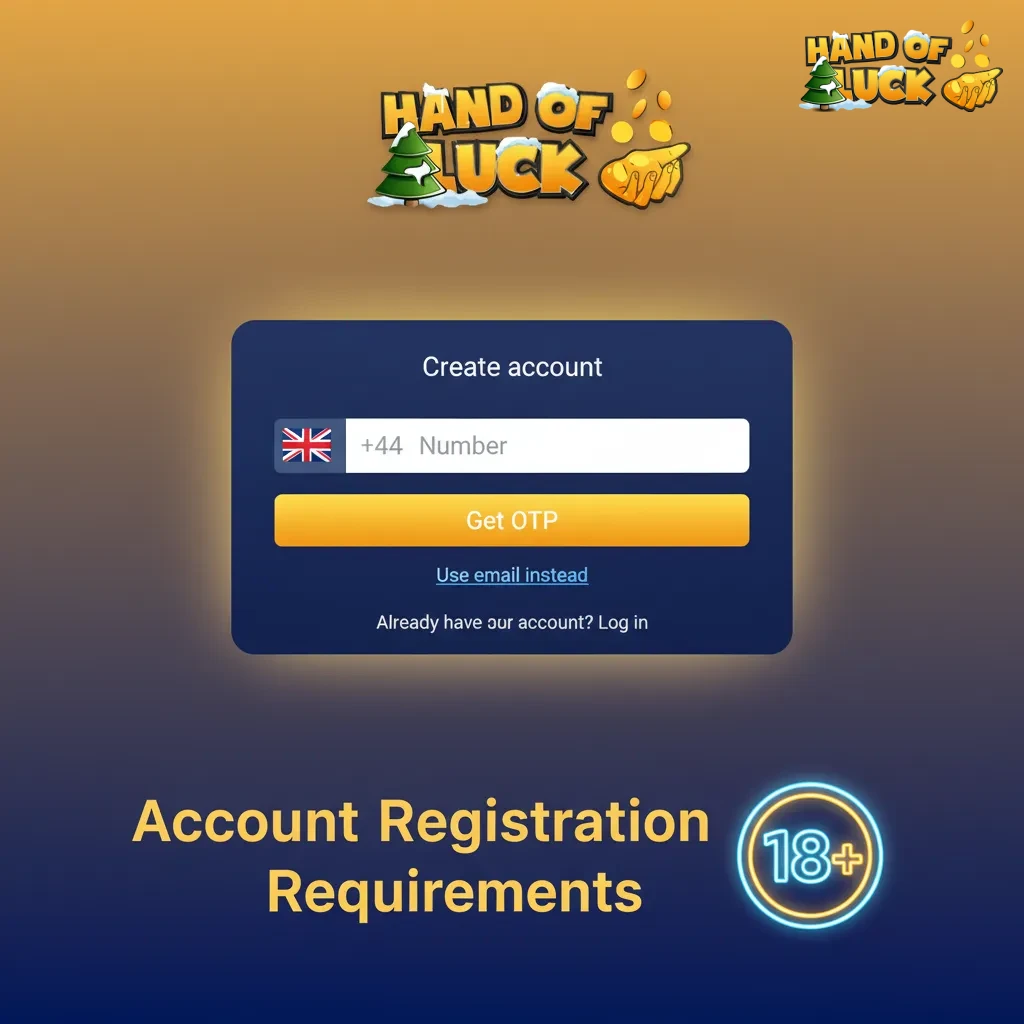
Account Registration Requirements
Online registration at Hand of Luck is offered to adults in the UK who meet local gambling rules. You must provide accurate personal details and agree to checks. KYC is required before withdrawals. Responsible gambling tools are available at sign up and in your account.
- Age 18 or over and located in the United Kingdom while playing.
- Provide your legal name, date of birth, address, and contact details.
- Use one personal account only. Duplicate accounts are not allowed.
- Agree to identity and address verification. Submit documents when requested.
- Accept the Terms and the Privacy Policy. Read the bonus rules before opting in.
Login to Hand of Luck Account
Signing in is quick on mobile or desktop. Use the same method you chose at sign up.
Click Login at the top of the site or in the app.
Enter your email and password, phone and SMS code, or use your social profile.
Tap Sign In. If prompted, enter two-factor codes.
You will land in your account area.
Account Verification Process
Verification protects your account and helps keep gambling safe. It also enables deposits to stay secure and withdrawals to be processed.
- Identity check: upload a photo of your passport or driving licence.
- Address check: provide a recent utility bill or bank statement showing your name and address.
- Payment method check: verify the card or wallet used for deposits.
- Profile review: confirm personal details match your documents.
- Approval: you receive a notice in your account and by email when verification is complete.
Welcome Bonuses for New Users from United Kingdom
New Hand of Luck users can claim a welcome package that includes free spins and a deposit boost. The offer applies to casino play and can also boost your sports balance. Terms apply and wagering is x1 as listed for each tier.
Casino Bonus
You get free spins and a percentage bonus based on your first deposit.
- Bonus size: 10 FS +10% from €20 (x1); 10 FS +10% from €50 (x1); 30 FS +15% from €100 (x1); 75 FS +15% from €200 (x1).
- How to claim: register, log in, make a qualifying deposit, and opt in on the deposit page.
- Wagering: x1 on the bonus amount and free spin winnings.
- Minimum deposit: €20 for the first tier, higher tiers as listed.
Sport Betting Bonus
Your first deposit can receive the same percentage boost for betting.
- Bonus size: +10% from €20 and €50 (x1); +15% from €100 and €200 (x1).
- How to claim: create an account, deposit the required amount, and select the sports bonus.
- Wagering: x1 on the bonus amount before withdrawal.
- Minimum deposit: €20 for the first tier; higher tiers as listed.
Account Overview
Your personal area gives you full control of your profile and funds. It is available after you sign in.
- Profile details: edit name, address, contact info.
- Verification: submit documents and track status.
- Deposits: add funds using cards, bank transfer, or wallets.
- Withdrawals: request payouts to verified methods.
- Bonuses and free spins: view active offers and wagering.
- Betting history: see casino play and sports bets.
- Limits and reality checks: set deposit limits, timeouts, and self-exclusion.
- Notifications and preferences: manage emails, push alerts, and odds format.
Possible Problems and Their Solutions When Registering on Hand of Luck
Some users face issues during registration. Here are quick fixes to the most common problems.
| Problem | Solution |
|---|---|
| SMS code not received | Check number format, request a new code after 60 seconds, or try voice call if available. |
| Confirmation email missing | Check spam and promotions folders, add the domain to safe senders, then resend the email. |
| Duplicate account detected | Use the account recovery option. If you need changes to details, contact support to merge or update. |
| Address not accepted | Enter the address as on your document and submit a recent bill or statement for verification. |
| App cannot be installed | Enable installs from trusted sources on Android or get the iOS version from the official store. Use the PWA on mobile browser if needed. |
Steps to Delete a Personal Account
You might delete your account if you no longer play or want a break from gambling.
Go to Account Settings and choose Close Account.
Select a reason and confirm your choice.
Complete identity checks if prompted and withdraw remaining balance.
For permanent closure or self-exclusion, contact support via live chat or email.
FAQ
Can you register from outside the UK?
No. Registration is for users who are 18+ and play from within the United Kingdom.
How long does verification take?
Most checks complete the same day once documents are uploaded. Complex cases may take longer.
Can you change your login method later?
Yes. You can add an email, phone, or social profile in Account Settings and use any of them to sign in.
What if you typed the wrong email?
Update it in your profile and confirm the new address. Contact support if the old address cannot be accessed.
Can you have more than one account?
No. Only one personal account is allowed.